VL Blog
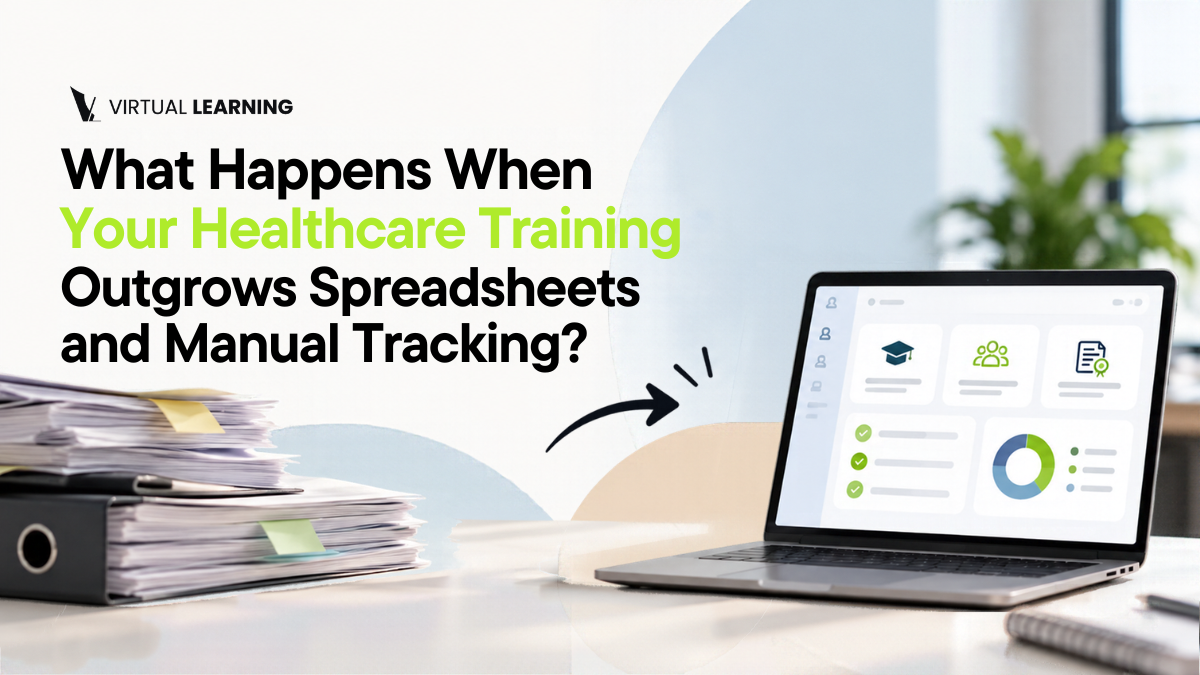
Employee training software usually enters the conversation after something goes wrong: a missed deadline, a record nobody can find, a manager who spends Friday afternoon updating a spreadsheet instead of supporting the team. By then, the manual process has been carrying the training for months, and it shows.
This article is for organizations still managing training through spreadsheets, emails, files, or disconnected systems. It explains the operational problems that appear as training grows, compares manual tracking with a centralized approach, and describes how to move without disrupting the training already in progress.
Why Spreadsheets Work at First and Fail Later
Spreadsheets are free, flexible, and familiar, and for a small group they are a reasonable tool. Ten learners fit in one tab, and the person who built it knows what every column means.
Imagine a training coordinator asked a simple question by a director: “Is the new group done?” To answer, the coordinator opens a spreadsheet, checks two inboxes for completion emails, looks in a shared folder for certificates, and then calls a site manager to confirm one learner. None of these steps is difficult. Together they take an hour, and the answer is still partly based on memory.
The problem is not the spreadsheet itself. It is that manual tracking is only as accurate as the last time someone updated it, and it depends on people remembering to do so.
Five Problems That Employee Training Software Is Meant to Solve
These problems tend to appear together as training grows. Recognizing them is the first step toward deciding whether a change is worth it.
Unclear Completion Status
“Completed” can mean different things in different files. The spreadsheet says a learner is done, an email says one lesson is left, and the learner believes they finished last week. When status depends on several sources, a manager can never be fully sure which one is right.
Repetitive Follow-Ups
The same reminder goes out every week to the same people. A manager becomes the notification system, scanning for who is behind and writing to each person. It is necessary work, but it is also the kind that grows with every new learner and is the first to slip.
Scattered Learner Records
A certificate sits in someone’s inbox, a quiz result is a screenshot, and a sign-in sheet is in a folder. In healthcare, records are not optional. For example, federal rules for Medicare-certified home health agencies call for at least 12 hours of in-service training for each home health aide every 12 months and for documentation that the requirements were met, as set out in 42 CFR 484.80. When a record request arrives, scattered files turn it into a search.
Not Knowing Who Is Enrolled in Which Program
When an organization runs more than one program, the same person may appear in several lists. Without one roster, simple questions become hard: who is enrolled in what, who has not started, and who has finished one program but not another.
Administrative Time That Keeps Growing
Each of the problems above adds hours. The cost rarely appears on an invoice, which is why it is easy to underestimate. Counting the hours your team spends each month on tracking, reminders, and report building often shows the real price of the manual process. For more on this, see our guide on making employee training programs easier to manage.
Manual Tracking vs. Employee Training Software: A Side-by-Side Comparison
The table below shows how the same task typically changes. It describes common differences, and not every product works the same way, so verify each point with any provider you evaluate.
| Task | Manual tracking | Centralized employee training software |
|---|---|---|
| Adding a learner | Several steps across email and sheets | Access assigned in one place |
| Checking progress | Ask learners or instructors, then update the sheet | Progress visible without asking |
| Follow-ups | Reminders written and sent by hand | Managers see who needs attention |
| Finding a record | Search inboxes, folders, and files | Completion information in one place |
| Adding a program | Build a new sheet and process | Added alongside existing programs |
| Producing a report | Combine data from several sources | Information already in one workflow |
[IMAGE 2: Imagen en el cuerpo. Ver especificaciones abajo]
How Centralized Employee Training Software Brings Access, Progress and Completion Into One Workflow
The central idea is simple: instead of five tools that each hold part of the picture, one workflow holds all of it.
- Access. The organization assigns access to the learner in one place.
- Learning. The learner completes the training online, on their own schedule.
- Progress. The manager can see where each learner stands without asking.
- Completion. Completion information is recorded where the manager already looks.
- Reuse. When a learner finishes, access can be used again for the next one, so the next group does not require rebuilding the process.
In our view, this single workflow is the main benefit, more than any individual feature. That is an interpretation, not a measured result, but it matches the problems described above: each one comes from information living in more than one place.
How to Move Off Spreadsheets Without Disrupting Training in Progress
Changing systems does not have to mean stopping what is running. A cautious approach looks like this:
- Identify the most time-consuming manual task. Start with the step that costs the most hours, not with everything.
- List your current programs and learner groups. Know what has to be covered.
- Decide which records you need to keep. Not everything has to be carried over.
- Start with your next new group. Learners already in progress can finish where they are.
- Keep the old spreadsheet as a reference until the new process is working.
- Confirm who will administer the system. Ask any provider what onboarding support exists.
What to Look for in Employee Training Software for Healthcare
When you compare options, evaluate management functionality alongside course content. A well-written course on a weak management structure produces the same manual work you are trying to leave behind. Useful criteria include:
- Learner access that is easy to assign and reuse.
- Progress visibility for managers without manual collection.
- Completion records that are easy to find.
- Multiple programs in one place.
- More than one administrator, with clear answers about what each can see.
- Fit with healthcare needs, since requirements vary by program and state.
If your learners speak different languages, you may also want to read what to look for in multilingual employee training platforms.
Limits and Conditions to Check First
Software organizes training and the tracking around it. It does not make an organization compliant by itself, and it does not replace hands-on, clinical or supervised practical requirements where a program calls for them. The U.S. Bureau of Labor Statistics notes that requirements for home health and personal care aides can be specific to the state where they work, so confirm what applies to you. Program details, availability, and features can also depend on the program and the agreement with each organization.
How Virtual Learning Works as Employee Training Software for Organizations
Virtual Learning is an online training platform for organizations such as home care agencies, healthcare providers and training providers. It supports several programs in one place:
- NJ Certified Homemaker Home Health Aide
- Home Health Aide Business Program
- Personal Care Assistant (PCA)
- Phlebotomy Technician
- Continuing Education
For the problems described above, relevant capabilities include 24/7 online access for learners, manager visibility into learner progress, reusable licenses for future learners, and learner packages sized for different group volumes. The Phlebotomy program page also lists an administrator dashboard and team and quiz tracking. Which of these apply to each program is best confirmed in a demo, and the Virtual Learning FAQ is a good place to start.
Conclusion: Find the Manual Task That Costs You the Most Time
You do not need to replace everything at once. Pick the single manual training task that takes the most time in your organization: tracking completions, sending follow-ups, finding records, or building reports. That one task is the best place to test whether a centralized approach would help.
Then Book a FREE Demo and bring that task with you, so you can see how Virtual Learning could centralize that process.
🌐 virtuallearnonline.com · 📩 info@virtuallearnonline.com · 📞 1-844-468-4788